


 FAQs
FAQs
 Returns
 Chat with Us
 About Us


 Twitter
 Meta
Meta
 Copy Link

 44,117.30 $
58,827.97 $
-14,710.67 $
44,117.30 $
58,827.97 $
-14,710.67 $
 Commercial License
|
NOTE Activation is immediate and straightforward: AutoCAD will be automatically linked to the email address you provide when placing your order. If you prefer to use a different email address, you can contact us at any time and we will make the change for you. As for delivery times, this takes place within a few minutes. During periods of high traffic, it may take up to 24 hours on working days or a maximum of 48 hours at weekends. |
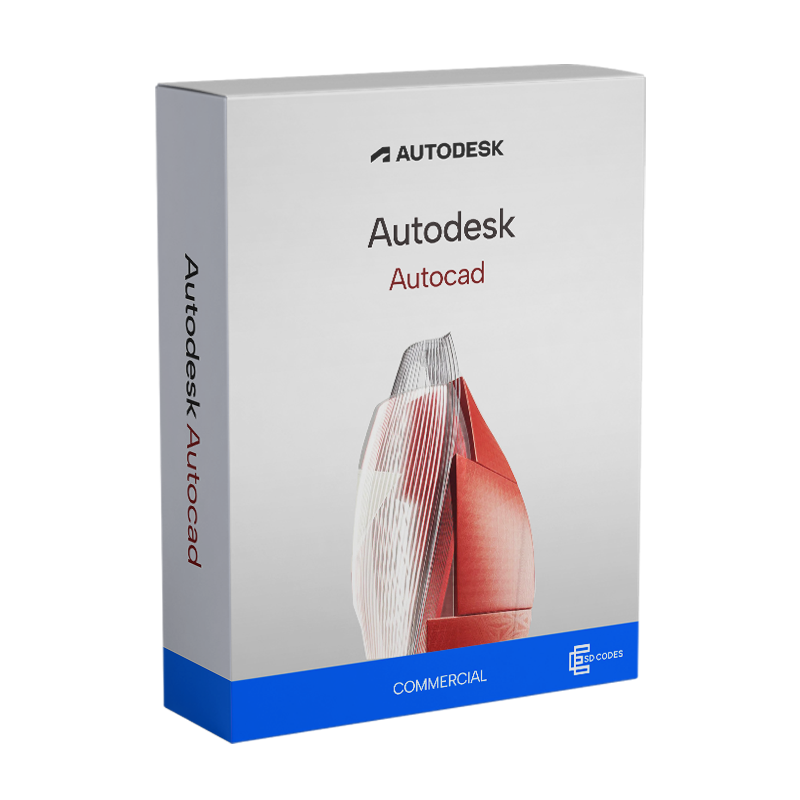
The commercial AutoCAD licence is the ideal solution if you work in technical design and need advanced tools to create, edit and document 2D and 3D models professionally. This licence is designed for companies, technical studios, architects, engineers and designers who require full commercial use. When you purchase from ESD Codes, you can be sure of obtaining verified, traceable and secure licences, always with immediate activation and dedicated support.
AutoCAD works as a true advanced design platform: it allows you to create, edit and manage technical drawings with pinpoint accuracy, combining 2D and 3D tools in a single integrated environment. You can generate floor plans, structural models, systems, mechanical components and complex layouts, using intelligent libraries and parametric commands that drastically reduce time and errors. Annotation, review and printing functions help you document every stage of the project, while integration with cloud services facilitates collaboration between teams, departments and customers. This allows you to work faster, more accurately and with total control over the entire design process.
The main difference between AutoCAD and AutoCAD LT concerns power, functionality and scope of use. AutoCAD is the full version: it includes advanced tools for 2D drawing, 3D modelling, automation via LISP, interface customisation and support for complex workflows. It is designed for companies and professionals who work with three-dimensional models and complex projects and need greater technical flexibility.
AutoCAD LT, on the other hand, is the lighter version focused on 2D functionality. It does not support 3D, does not allow automation with LISP, and has a less customisable environment. It remains an optimal solution for those who deal exclusively with two-dimensional drawings, technical drawings, and documentation, with a lower cost but reduced functionality.
AutoCAD Commercial is designed to give you maximum operational freedom, regardless of the system you use. The Windows version, which is fully compatible with both Windows 11 and Windows 10, and the macOS version share the same essential tools for 2D and 3D design, allowing you to switch between environments without having to relearn commands or adapt your projects. On Windows, you'll find optimised performance and deeper integration with advanced automations and plug-ins, while on Mac you'll have an interface designed to take advantage of gestures, Retina displays and workflows typical of the Apple ecosystem. In both cases, you can open, edit and share DWG files without any differences, maintaining consistency and accuracy on any device. Whether you work in the studio, on site or on the move, AutoCAD follows you everywhere, without compromise.
The AutoCAD commercial licence allows you to use the software for any professional or business activity, without limitations. Unlike the Personal (Educational) version, which is intended exclusively for students and educational institutions and includes usage restrictions, AutoCAD Commercial ensures full legal compliance for projects, commissioned work, business activities and collaborations with clients. Furthermore, files created with the Personal version cannot be used in work contexts, while with the commercial licence you can produce, share and deliver work that is fully valid for professional use. In short, it is the mandatory solution if you use AutoCAD for work and want to operate in compliance with regulations.
ESD Codes is a store specialising in the digital distribution of professional software, with strict internal controls that guarantee authentic, traceable licences that are fully compliant with European software resale regulations. All transactions are protected by advanced encryption and you can pay using secure methods such as PayPal and credit or debit cards.
The licences provided are suitable for commercial use and individually verified, so you can integrate AutoCAD into your business workflows with complete security and full legality. Get a reliable professional solution at a competitive price and with the certainty of valid activation.
Our free technical support, available in Italian and English, accompanies you every step of the way: from installation to configuration. In addition, ESD Codes is an official and verifiable partner of Microsoft (ID: 6776838), Adobe (ID: EM15469411) and Kaspersky (ID: EC06AE00), a further guarantee of the quality and transparency of the service.
Windows
Minimum requirements
Recommended requirements
macOS
Minimum requirements
After placing your order, you can download AutoCAD directly from the official Autodesk portal in complete security. If anything is unclear or you encounter difficulties during the process, our technical support team is ready to assist you free of charge in English whenever you need it.
Once the download is complete, simply double-click on the installation file and follow the steps shown on the screen. The process is intuitive and suitable even for those without particular technical experience.
We will handle the activation of your AutoCAD Commercial licence directly: we will link the licence to the e-mail address you provide during the purchase process. If you prefer to use a different e-mail address, please contact our team: we will update your details without any problem.
A digital license key will be sent to you via email after completing the purchase.
Go to the Requirements section of this page to check the technical specifications. You can also verify directly on the official website of the software manufacturer.
We provide everything you need!
After the purchase, you will receive the digital software to download and install, the product code for activation, and all the instructions for proper installation.
No problem! We provide free technical support.
Check your SPAM folder or log into your account in the "MY KEYS" section, where you will find the product code along with the instructions.
ESDcodes will provide you with a link to securely and quickly download the product ISO.
Don't worry, we are always here to help you!
If you are unable to activate your license for any reason, contact our free technical support with details/screenshots of the problem. We will resolve the issue immediately.
Esdcodes is a certified Microsoft reseller, our Partner ID is: 6776838

There are no reviews
|
NOTE Activation is immediate and straightforward: AutoCAD will be automatically linked to the email address you provide when placing your order. If you prefer to use a different email address, you can contact us at any time and we will make the change for you. As for delivery times, this takes place within a few minutes. During periods of high traffic, it may take up to 24 hours on working days or a maximum of 48 hours at weekends. |
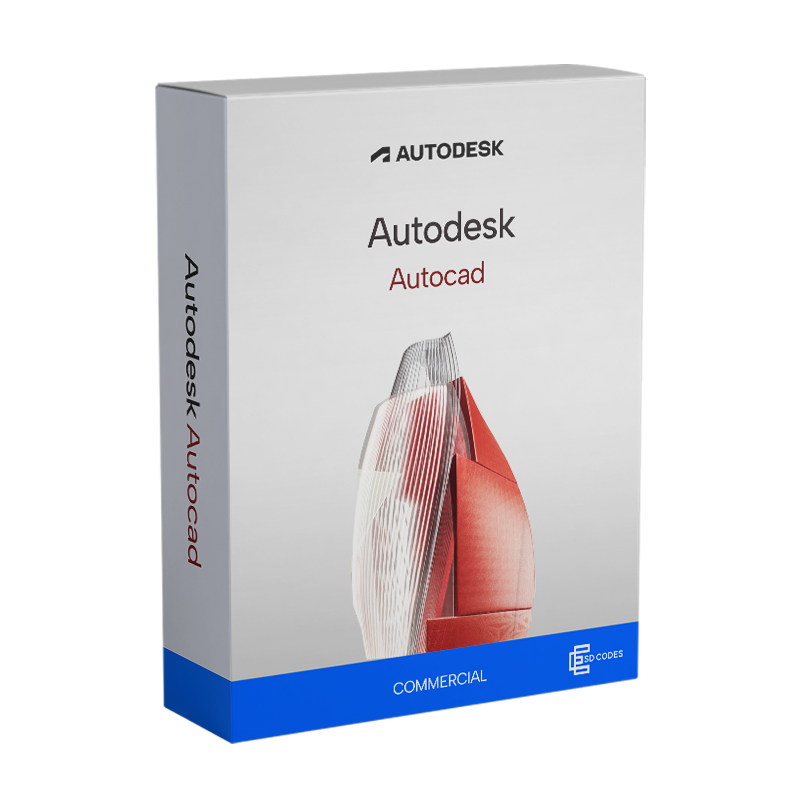
The commercial AutoCAD licence is the ideal solution if you work in technical design and need advanced tools to create, edit and document 2D and 3D models professionally. This licence is designed for companies, technical studios, architects, engineers and designers who require full commercial use. When you purchase from ESD Codes, you can be sure of obtaining verified, traceable and secure licences, always with immediate activation and dedicated support.
AutoCAD works as a true advanced design platform: it allows you to create, edit and manage technical drawings with pinpoint accuracy, combining 2D and 3D tools in a single integrated environment. You can generate floor plans, structural models, systems, mechanical components and complex layouts, using intelligent libraries and parametric commands that drastically reduce time and errors. Annotation, review and printing functions help you document every stage of the project, while integration with cloud services facilitates collaboration between teams, departments and customers. This allows you to work faster, more accurately and with total control over the entire design process.
The main difference between AutoCAD and AutoCAD LT concerns power, functionality and scope of use. AutoCAD is the full version: it includes advanced tools for 2D drawing, 3D modelling, automation via LISP, interface customisation and support for complex workflows. It is designed for companies and professionals who work with three-dimensional models and complex projects and need greater technical flexibility.
AutoCAD LT, on the other hand, is the lighter version focused on 2D functionality. It does not support 3D, does not allow automation with LISP, and has a less customisable environment. It remains an optimal solution for those who deal exclusively with two-dimensional drawings, technical drawings, and documentation, with a lower cost but reduced functionality.
AutoCAD Commercial is designed to give you maximum operational freedom, regardless of the system you use. The Windows version, which is fully compatible with both Windows 11 and Windows 10, and the macOS version share the same essential tools for 2D and 3D design, allowing you to switch between environments without having to relearn commands or adapt your projects. On Windows, you'll find optimised performance and deeper integration with advanced automations and plug-ins, while on Mac you'll have an interface designed to take advantage of gestures, Retina displays and workflows typical of the Apple ecosystem. In both cases, you can open, edit and share DWG files without any differences, maintaining consistency and accuracy on any device. Whether you work in the studio, on site or on the move, AutoCAD follows you everywhere, without compromise.
The AutoCAD commercial licence allows you to use the software for any professional or business activity, without limitations. Unlike the Personal (Educational) version, which is intended exclusively for students and educational institutions and includes usage restrictions, AutoCAD Commercial ensures full legal compliance for projects, commissioned work, business activities and collaborations with clients. Furthermore, files created with the Personal version cannot be used in work contexts, while with the commercial licence you can produce, share and deliver work that is fully valid for professional use. In short, it is the mandatory solution if you use AutoCAD for work and want to operate in compliance with regulations.
ESD Codes is a store specialising in the digital distribution of professional software, with strict internal controls that guarantee authentic, traceable licences that are fully compliant with European software resale regulations. All transactions are protected by advanced encryption and you can pay using secure methods such as PayPal and credit or debit cards.
The licences provided are suitable for commercial use and individually verified, so you can integrate AutoCAD into your business workflows with complete security and full legality. Get a reliable professional solution at a competitive price and with the certainty of valid activation.
Our free technical support, available in Italian and English, accompanies you every step of the way: from installation to configuration. In addition, ESD Codes is an official and verifiable partner of Microsoft (ID: 6776838), Adobe (ID: EM15469411) and Kaspersky (ID: EC06AE00), a further guarantee of the quality and transparency of the service.
Windows
Minimum requirements
Recommended requirements
macOS
Minimum requirements
After placing your order, you can download AutoCAD directly from the official Autodesk portal in complete security. If anything is unclear or you encounter difficulties during the process, our technical support team is ready to assist you free of charge in English whenever you need it.
Once the download is complete, simply double-click on the installation file and follow the steps shown on the screen. The process is intuitive and suitable even for those without particular technical experience.
We will handle the activation of your AutoCAD Commercial licence directly: we will link the licence to the e-mail address you provide during the purchase process. If you prefer to use a different e-mail address, please contact our team: we will update your details without any problem.
A digital license key will be sent to you via email after completing the purchase.
Go to the Requirements section of this page to check the technical specifications. You can also verify directly on the official website of the software manufacturer.
We provide everything you need!
After the purchase, you will receive the digital software to download and install, the product code for activation, and all the instructions for proper installation.
No problem! We provide free technical support.
Check your SPAM folder or log into your account in the "MY KEYS" section, where you will find the product code along with the instructions.
ESDcodes will provide you with a link to securely and quickly download the product ISO.
Don't worry, we are always here to help you!
If you are unable to activate your license for any reason, contact our free technical support with details/screenshots of the problem. We will resolve the issue immediately.
Esdcodes is a certified Microsoft reseller, our Partner ID is: 6776838
There are no reviews
44,117.30 $
58,827.97 $
-14,710.67 $
 58,827.97 $
77,951.84 $
-19,123.87 $
58,827.97 $
77,951.84 $
-19,123.87 $
 102,959.97 $
161,802.65 $
-58,842.68 $
102,959.97 $
161,802.65 $
-58,842.68 $
 29,406.63 $
58,827.97 $
-29,421.34 $
29,406.63 $
58,827.97 $
-29,421.34 $

 Free support via email
 It
It
 En
En
 De
De
 Es
Es
 Fr
Fr
 Po
Po
